Collections
Since you have created your request, probably you want to save it for the future. Collections is a good place to save your request. Collections allows to save, manage and organize your requests.
Save your request
In previous page we learned how to create and configure request. Anyways, do the same steps every time isn't necessary since you can save that for later.
When you finished configuring your request, click Ctrl + S and follow these steps:
- Create collection
- Write name and save it to collection
- See your request in collection
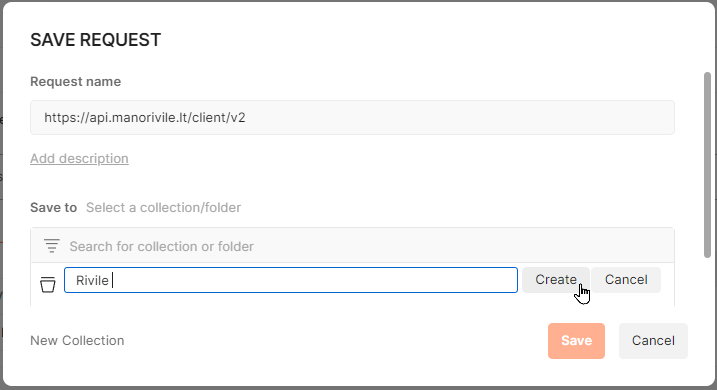
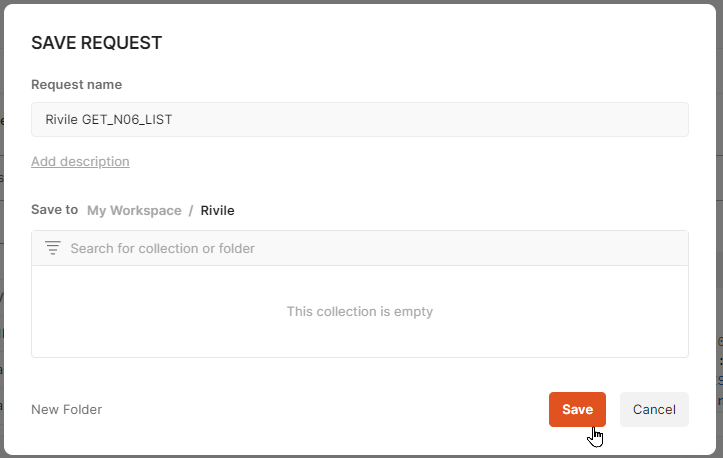
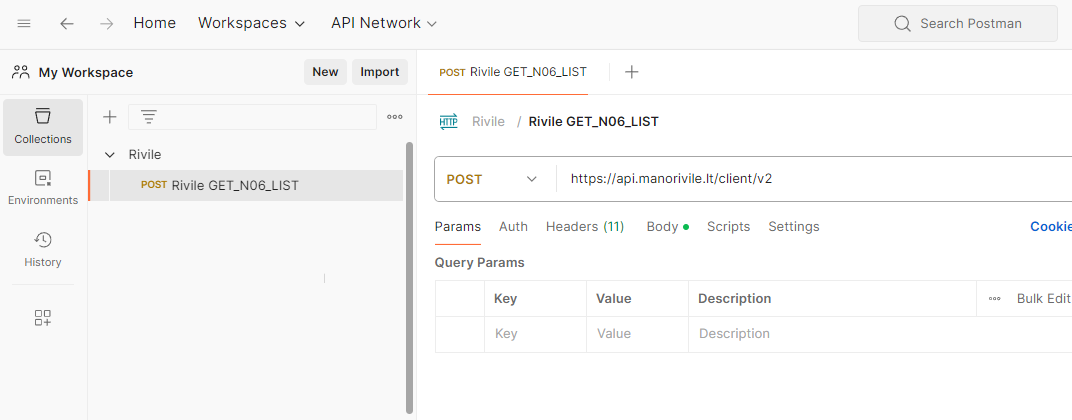
You can create as many collection as you want. You can create structure of collections by cliens.
Do not forget to change Api Key when duplicating collections to avoid mixing clients.